
Most people who delay or miss a notary appointment bring the wrong ID or simply do not know what to prepare. It is one of the most common and most avoidable problems.
Whether you are signing a power of attorney, a real estate document, or an affidavit, your identity has to be confirmed before anything else happens. Florida law requires a notary public to verify who you are before completing any notarization. Without that, the document is not valid.
Here is exactly what you need to know before your appointment.
What ID Works for In-Person Notarization in Florida
Your ID must be government-issued, carry your photo and an ID number and either still be valid or have been issued within the past five years.
Accepted forms include a Florida driver’s license or state ID, a U.S. passport (book or card), a driver’s license or state ID from another U.S. state, territory, Canada, or Mexico, a U.S. military ID, a VA veteran health ID and a foreign passport stamped by U.S. Customs and Immigration.
What does not work: school IDs, employee badges, credit cards, birth certificates alone, Social Security cards, or anything without a photo. These are not valid for identity verification regardless of how official they look.
What ID Works for Online Notarization
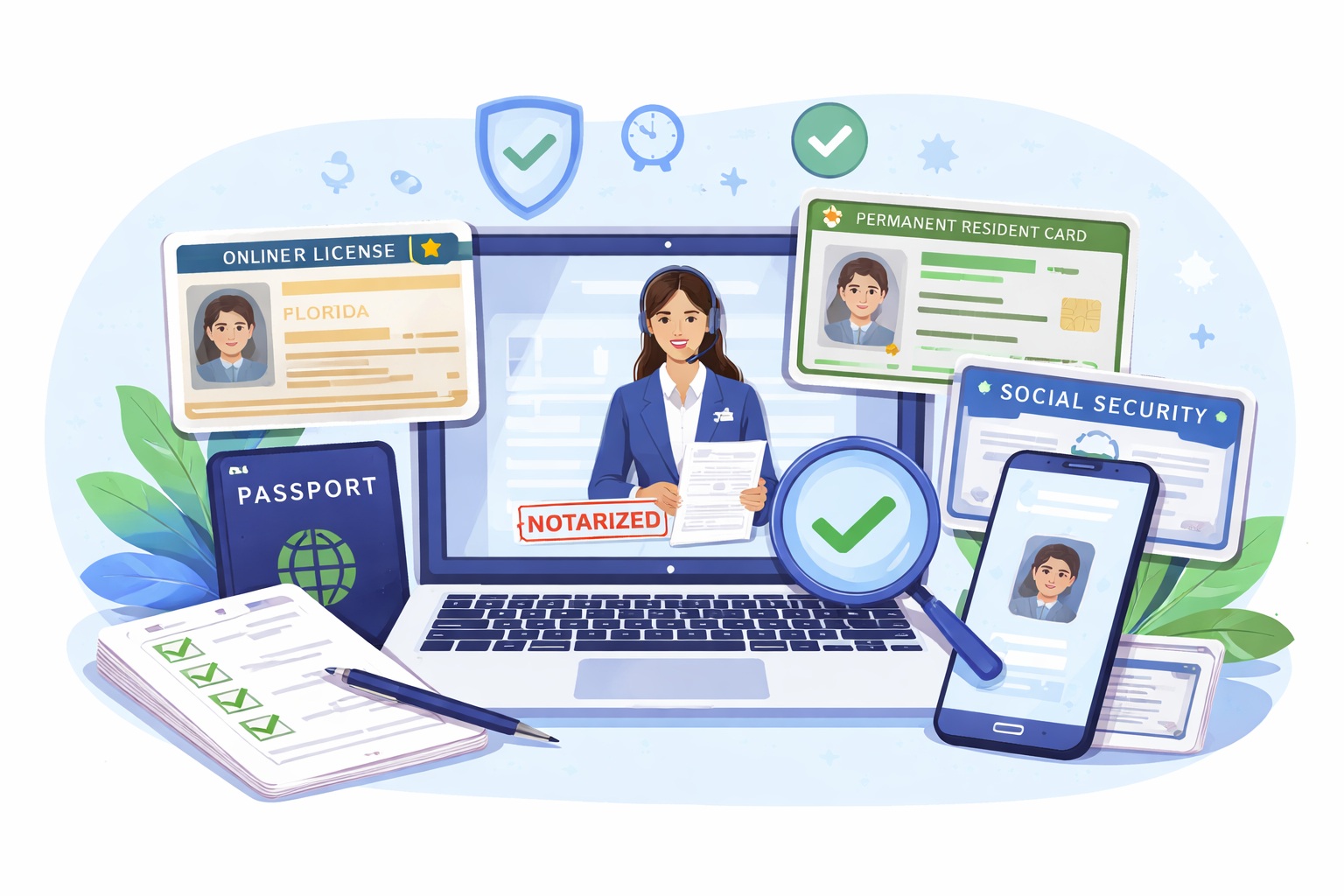
Online notarization has a stricter process than in-person. It also uses a certified platform, not a standard video call. Whether a regular video call qualifies as a notarization is a question that comes up often and the answer depends on how the session is conducted. Before you even connect with the notary, you go through two identity checks as part of the RON process.
The first is a set of identity questions tied to your personal history, such as a previous address or a vehicle you owned. These are generated from your financial and public records. You answer them through the platform before the session starts.
The second step is an ID scan. You photograph your government-issued ID through the platform and it is checked against a verification database. The photo needs to be clear, in good lighting and show the full ID. A blurry or cropped image will be rejected.
Accepted IDs for online sessions include a U.S. driver’s license, state photo ID, U.S. passport, permanent resident card (green card) and a foreign passport that has a strip of machine-readable text along the bottom. Military Common Access Cards and inmate IDs are not accepted.
You will also need your Social Security number or tax ID number to complete the identity questions step. If you do not have one, check with your notary before booking to see what options are available.
What Happens If Your ID Is Expired
In Florida, an ID is still acceptable if it was issued within the past five years, even if the expiration date has passed. Many people assume an expired ID is automatically rejected, which is one of the common myths about online notarization worth knowing before your appointment. If it was issued more than five years ago, the notary is required to decline it.
If your main ID falls outside that window, bring a secondary form of ID to your appointment.
What Happens If Your Name Does Not Match the Document
This comes up often after a name change. If the name on your ID does not match the name on the document, the notary cannot confirm your identity clearly enough to proceed.
Bring a document that shows the name change, such as a marriage certificate, divorce decree, or court order. Some notaries will accept a secondary ID in your new name alongside a primary ID in your old name. Check with your notary before you arrive.
What If You Do Not Have an Acceptable ID
Florida law allows two options when a standard government-issued ID is not available.
The first is personal knowledge. If the notary already knows you from a prior relationship and can confirm your identity with confidence, no ID is required. This is rarely used and entirely at the notary’s discretion.
The second is a credible witness. This is someone who knows you personally, has no stake in the document and is willing to swear to the notary that you are who you say you are. Depending on the situation, one or two witnesses may be needed.
For remote online notarization, not all platforms support this option, so confirm availability before your appointment.
What the Notary Records About Your ID
After verifying your identity, the notary records how it was done. This includes the type of ID you presented, who issued it and the ID number. For online sessions, the platform and verification steps completed are also noted.
This record stays in the notary’s official journal. It is the legal proof that identity was properly confirmed at the time of signing and it matters if a document is ever disputed.
Quick Checklist Before Your Appointment
Bring a government-issued photo ID issued within the past five years or still valid. If your name on the ID differs from the document, bring proof of the name change. For online appointments, have your Social Security number or tax ID ready and make sure your ID is one of the accepted types for the platform.
These are small things to check but they prevent the most common reasons appointments get delayed or rescheduled.
For any situation that does not fit the standard process, Notary Plus More can walk you through what applies before you commit to a booking.